
In today’s fast-paced world, our digital lives can become as cluttered as our physical spaces. From overflowing inboxes to countless unused apps, digital clutter can increase stress and decrease productivity. The good news is, decluttering your digital life is achievable with some thoughtful steps. This guide will help you simplify and organize your digital environment, making your devices and online activities more manageable and enjoyable.
Why Declutter Your Digital Life?
Digital clutter can slow you down, distract you from important tasks, and even affect your mental well-being. Just like cleaning a messy room, tidying your digital spaces can lead to:
– Improved focus and efficiency
– Easier access to important files and information
– Reduced digital distractions
– Better device performance
Now, let’s explore how you can start decluttering your digital life today.
Step 1: Organize Your Files and Folders
A disorganized file system can make it difficult to find what you need quickly. Here’s how to tidy up:
Create a Clear Folder Structure
– Set up main folders for broad categories like Work, Personal, Photos, and Finance.
– Use subfolders for specific topics within each main folder.
– Keep the structure simple and consistent.
Delete or Archive Old Files
– Remove duplicates or obsolete documents.
– Archive files you want to keep but don’t need immediate access to.
– Use cloud storage services like Google Drive or Dropbox to keep things backed up and accessible.
Name Files Clearly
– Use descriptive filenames with dates if relevant (e.g., “2023_Tax_Return.pdf”).
– Avoid vague names like “Document1” or “Scan002”.
Step 2: Clean Up Your Email Inbox
A cluttered inbox can be overwhelming and reduce your ability to focus on essential messages.
Unsubscribe from Unwanted Newsletters
– Use built-in unsubscribe links to stop emails you no longer read.
– Consider tools like Unroll.Me to manage subscriptions efficiently.
Use Folders and Labels
– Set up folders or labels for different categories such as Work, Family, or Billing.
– Use filters to automatically sort incoming emails.
Archive or Delete Old Emails
– Archive important emails you want to keep.
– Delete emails that are no longer needed, such as promotions or expired offers.
Set Regular Email Check Times
– Limit how often you check email to reduce interruptions.
– Aim for checking your inbox at set times during the day.
Step 3: Manage Your Apps and Devices
Too many apps and notifications can cause distraction and slow down your devices.
Review and Delete Unused Apps
– Go through your apps regularly to identify which ones you no longer use.
– Delete apps that are outdated or serve redundant functions.
Organize Apps into Folders
– Group apps by category (e.g., Social, Productivity, Entertainment).
– Place the most-used apps on your home screen for quick access.
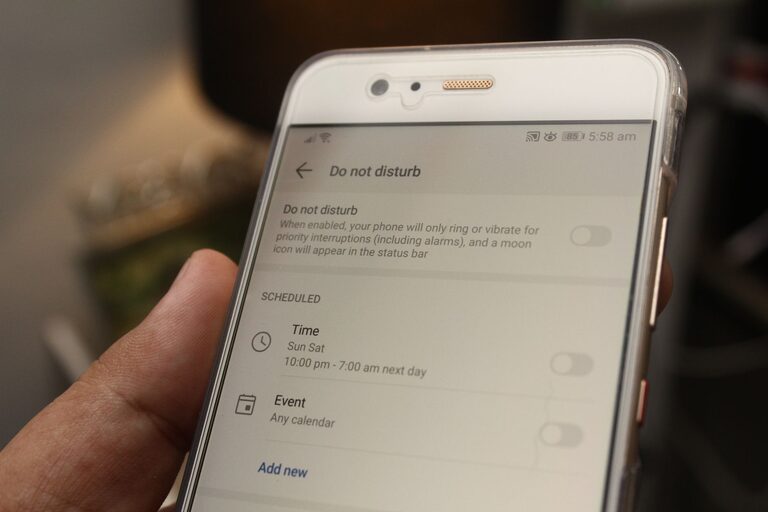
Disable Unnecessary Notifications
– Turn off notifications from apps that aren’t essential.
– Customize notification settings to minimize distractions.
Step 4: Streamline Your Social Media and Online Accounts
Social media accounts and online services can add to digital clutter if not managed mindfully.
Review Your Accounts
– Close accounts you no longer use.
– Update privacy settings to control what information you share.
Limit Social Media Time
– Use built-in screen time tools to monitor and limit usage.
– Consider scheduling specific times to check social media rather than frequent checks throughout the day.
Step 5: Maintain Your Digital Spaces Regularly
Decluttering is an ongoing process, not a one-time task.
Schedule Routine Cleanups
– Set reminders monthly or quarterly to review files, apps, and emails.
– Regularly back up important data to prevent loss.
Use Digital Organization Tools
– Explore apps that help manage tasks, passwords, and files.
– Consider tools like Evernote, Trello, or password managers for better digital control.
Benefits of a Decluttered Digital Life
By keeping your digital environment organized, you can expect:
– More time and less frustration finding what you need
– Enhanced concentration and less stress
– Improved device speed and battery life
– Greater control over your digital habits
Final Thoughts
Decluttering your digital life doesn’t have to be overwhelming. By breaking it down into manageable steps—organizing your files, cleaning your inbox, managing apps, and streamlining accounts—you can regain control of your digital space. With regular upkeep, you’ll enjoy a simpler, more efficient digital routine that complements your busy life.
Start today and experience the satisfying feeling of a cleaner, clearer digital world!
About the Author